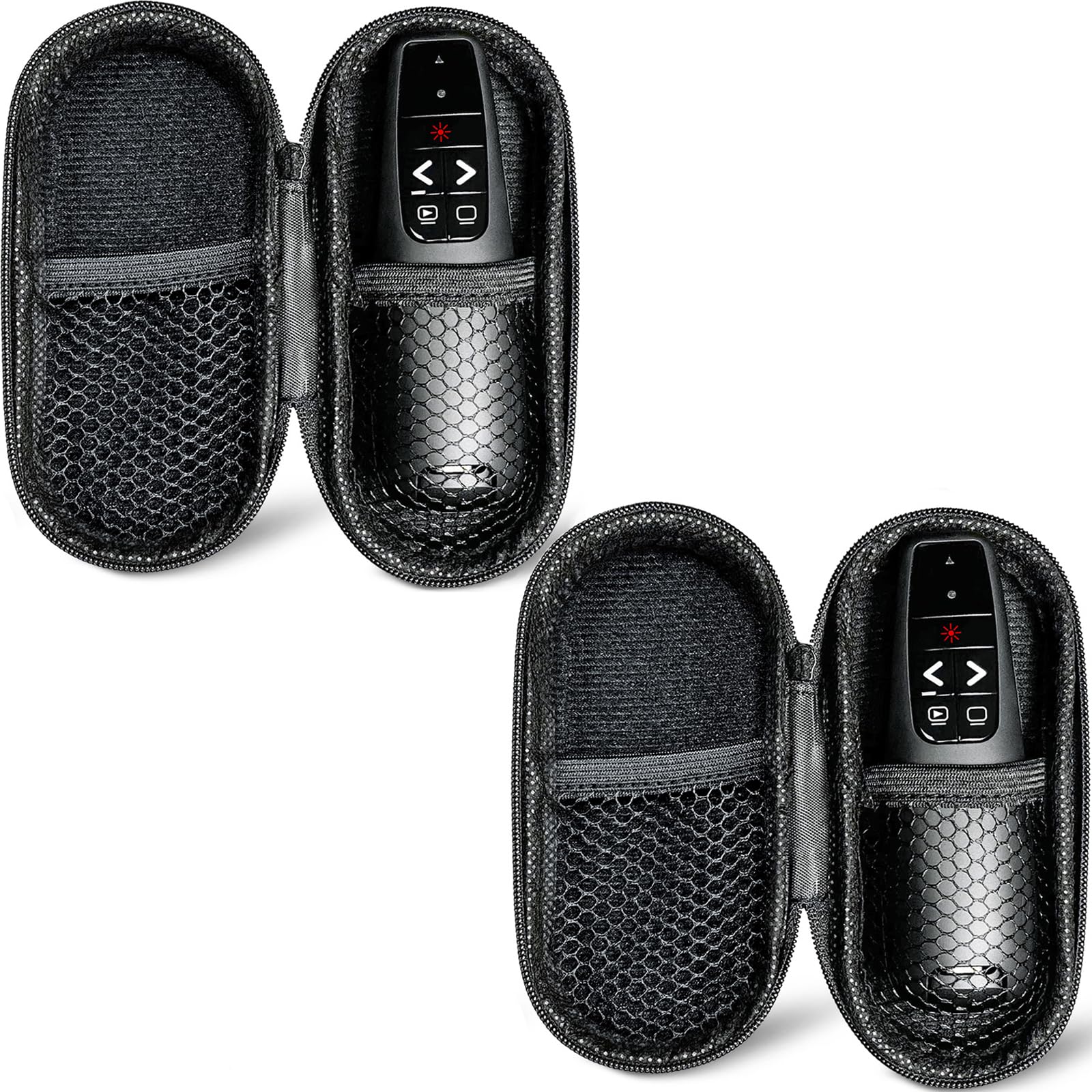
UBUYONE Presentation Remotes
(2 Units) Presentation Clicker PowerPoint Presenter Remote: Laser Pointer Project Power Point PPT Clicker for Mac Laptop Office, Wireless Computer Clickers Slideshow Google Slide Advancer
In stock
Price on Amazon
Check today's price on Amazon
No score yet
We've only just started checking this product's price. Its Deal Score appears after a few more checks.
We may earn a commission if you buy. It never changes the price you pay.
Product overview
BrandUBUYONE
CategoryPresentation Remotes
Key features
- [Presentation Clicker & Laser Pointer]This is a presentation remote with a very bright red laser pointer. You can change your PPT/ Google slide from anywhere in the room, while pointing the specific parts of the slide by laser. PowerPoint clicker controls range:98FT/30M, laser pointer range: 328FT/100M.
- [Amazing Ergonomically] PPT remote control has a amazing ergonomic design makes you soft touch and comfortable to grip.The USB dongle fits into the end of the remote rather than needing to open the battery compartment so a little less fumbling around.
- [USB A & USB C 2 in 1 Receiver, Plug and Play] No installation needed, no assembly or hard instructions to follow. Just plug and play. You simply plug the USB receiver into your computer and start using the laser pointer for presentations. Slide clicker receiver is not only fit for devices with USB A interface, but also for devices with Type-C interface.
- [Widely Compatible] Wireless presenter remote with laser pointer works with desktop and laptop computers. Presentation pointer supports systems: Windows 2003, XP, Vista, 7, 8, 10, Mac OS, Linux.Slide clicker supports softwares: Google Slides, MS Word, Excel, PowerPoint/PPT, etc.
Show all 5 featuresShow fewer
- [2 AAA batteries] Power point clicker wireless requires two AAA batteries, which are included. Others on the market require their device to be charged before use. Our computer clicker is much easier for you to just carry a couple of spare batteries in case they are needed.
Specifications
| Brand | UBUYONE |
|---|---|
| Special Feature | Ergonomic |
| Color | Black |
| Max Number of Supported Devices | 1 |
| Compatible Devices | Laptop Computer |
| Additional Features | Ergonomic |
| Maximum Number of Supported Devices | 1 |
| Connectivity Technology | Radio Frequency |
| Button Quantity | 6 |
| Controller Type | Windows |
| Maximum Range | 100 Feet |
| Number of Batteries | 2 AAA batteries required. (included) |