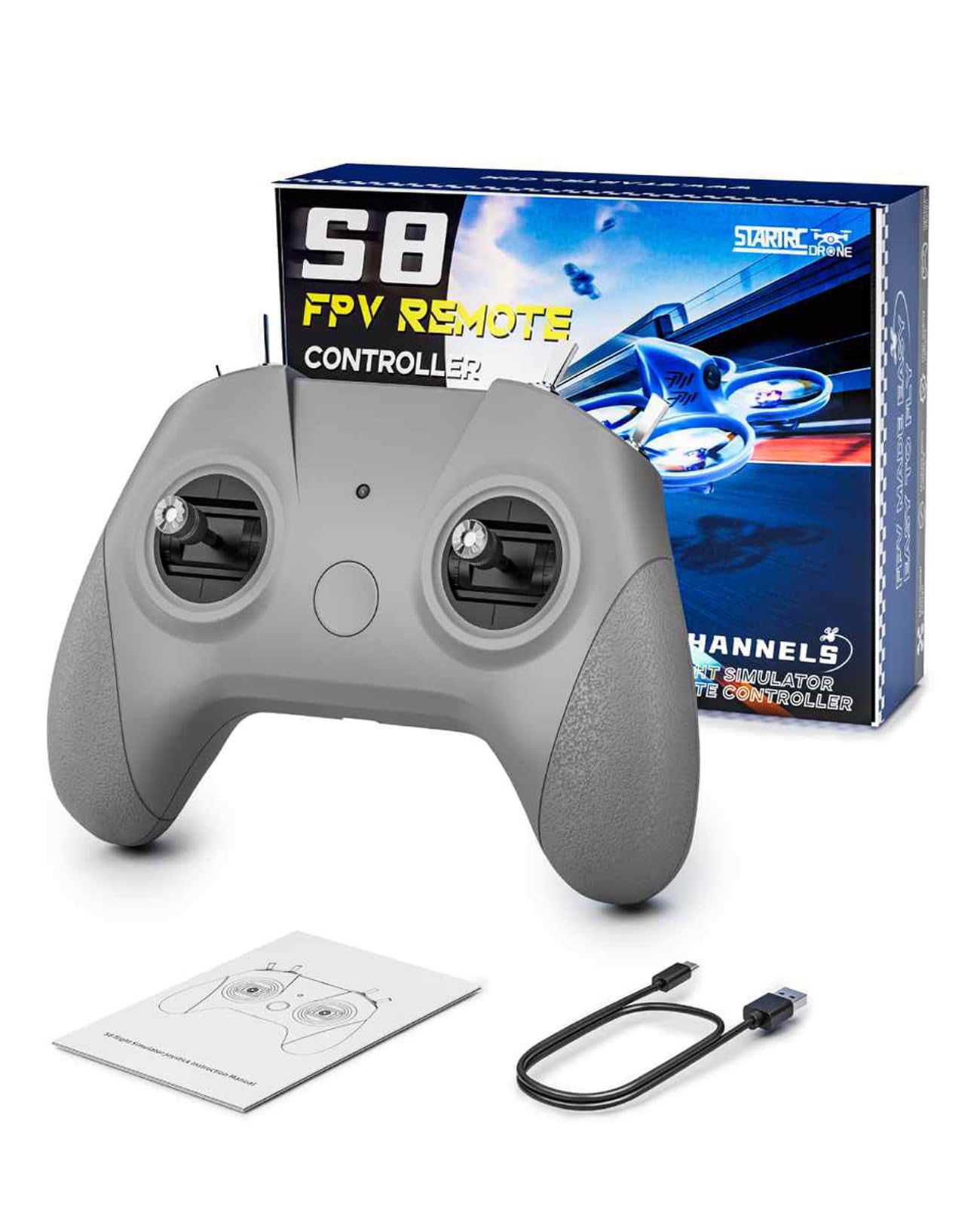
FLYDrone Controllers
FLYDrone S8 Pro FPV Simulator Controller for Windows PC, USB-C Drone Flight Simulator Joystick, 8-Channel Mode 2 RC Training Remote with Non-Centering Throttle for Liftoff/DRL/Uncrashed, Grey (Grey)
In stock
Price on Amazon
Check today's price on Amazon
No score yet
We've only just started checking this product's price. Its Deal Score appears after a few more checks.
We may earn a commission if you buy. It never changes the price you pay.
Product overview
BrandFLYDrone
CategoryControllers
Key features
- 【Real FPV Training Feel】The FLYDrone S8 Pro simulator controller is designed for beginner FPV pilots who want to practice before flying a real drone. The Mode 2 layout and non-centering throttle help build throttle control, stick coordination, and real FPV muscle memory in simulator training
- 【Works with Popular FPV & RC Simulators】Compatible with popular simulator software such as Liftoff, DRL, DCL, Uncrashed, VelociDrone, TRYP FPV, RealFlight Evolution, Aerofly RC 10, Phoenix RC, FPV Logic, and more. Ideal for racing, freestyle, hover practice, and beginner flight training
- 【USB-C Plug & Play for PC Training】Connect the S8 Pro to your computer with the included USB Type-C cable and start practicing without batteries, charging, or wireless pairing. The wired USB connection provides stable control for desktop and laptop simulator training
- 【Comfortable for Long Practice Sessions】The compact body, anti-slip grip texture, and lightweight 160g design make the controller easy to hold for longer simulator sessions. Suitable for teens, adults, FPV beginners, drone training classes, and hobby pilots
Show all 6 featuresShow fewer
- 【Calibration Steps】Briefly press the central function button - release - press and hold the button for 3 seconds (the blue indicator light will blink rapidly to enter calibration mode).Push the throttle stick to its maximum and minimum travel positions and hold, keep all other joysticks centered - wait for the indicator light to stay solid (calibration completed).If calibration fails, restart the process or reboot the controller and try again
- 【Simulator Use Only】The S8 Pro is made for flight simulator training and does not control real drones. Package includes 1 × S8 Pro Drone Simulator Controller, 1 × USB Type-C cable, and 1 × manual with setup guidance for multiple simulator programs
Specifications
| Brand | FLYDrone |
|---|---|
| Model Name | S8 Pro |
| Compatible Devices | PC, Mac, Android |
| Controller Type | Joystick |
| Connectivity Technology | USB |
| Hardware Platform | Laptop, pc |
| Power Source | no |