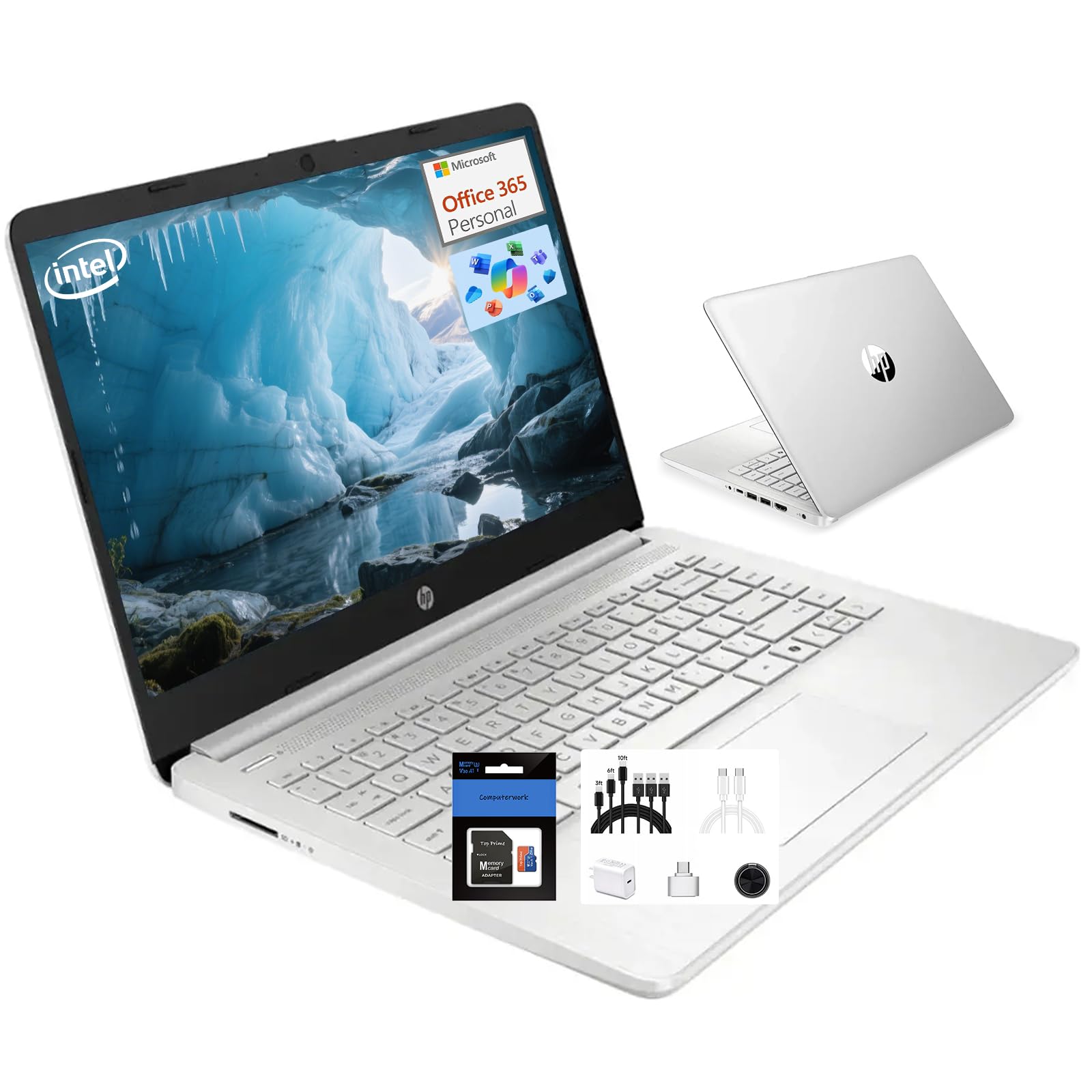
HP 14" Student-Laptop Back to School, Quad Core Intel Processor N150(Up to 3.6GHz) 16GB RAM 384GB Storage(128GB UFS + 256GB SD Card) Laptops for Student with 1-Y office365 Win11
In stock Sold by Cardinal Pro Electronics Free shipping
Last price we saw on Amazon
$429.00
List price $1,349.99-68%You save $920.99
14Deal Score 14 of 100
Not much of a deal
Deal Score 14 of 100: today's price for this product isn't much of a deal.
How Deal Score worksThe price may have changed. We last checked it over 24 hours ago, so confirm it on Amazon.
Price checked Jun 23, 2026, 2:52 AM ET. Prices and availability can change.
We may earn a commission if you buy. It never changes the price you pay.
Product overview
Sold byCardinal Pro Electronics
ShippingFree shipping
BrandHP
CategoryTraditional Laptops
Key features
- 【Powerful Performance for Study & Play】 Equipped with a Quad-Core Intel Processor (up to 3.6GHz), HP laptop ensures fast, seamless multitasking for studying, online classes, and entertainment. The 16GB RAM and 384GB storage (128GB UFS + 256GB SD card) provide plenty of space for your work and media files.
- 【Ready for School with Office 365 & Windows 11】 Get the tools you need to succeed with a 1-year subscription to Office 365, including Word, Excel, PowerPoint, and more. Coupled with Windows 11, this HP laptop computer offers a smooth, modern experience for all your academic needs and beyond.
- 【Lightweight & Perfect for On-the-Go Students】 Designed for students and families on the move, this HP 14 inch laptop is lightweight and portable, making it ideal for carrying between classes, libraries, or your favorite study spots. A stylish, durable companion for all your day-to-day tasks.
- Windows 11 Home in S mode (You may switch to regular windows 11: Press "Start button" bottom left of the screen; Select "Settings" icon above "power" icon;Select Update & Security and Activation, then Go to Store; Select "Get" option under "Switch out of S mode"; Hit Install.)
Show all 5 featuresShow fewer
- 【Activate 1 Year MS office 365】Activate pre-installed Office: 1.Launch any Office app > 2.Start your activation by signing in with your Microsoft account(Create a account if you don't have one yet) > 3.Click "Activative Office" > 4.Sign in your account and follow the next prompts. > 5.Complete Step 1,2 and 3 > 6.Click on Refresh once Office is ready > 7.Open a document and accept the license agreement.
Specifications
| Brand | HP |
|---|---|
| Model Name | HP Laptop |
| Screen Size | 14 inches |
| Color | Natural Silver |
| Hard Disk Size | 128 GB |
| CPU Model | Celeron N |
| Ram Memory Installed Size | 16 GB |
| Operating System | Windows 11 |
| Special Feature | HD Audio, Memory Card Slot |
| Graphics Card Description | Integrated |
| Standing screen display size | 14 Inches |
| Screen Resolution | 1366 x 768 pixels |