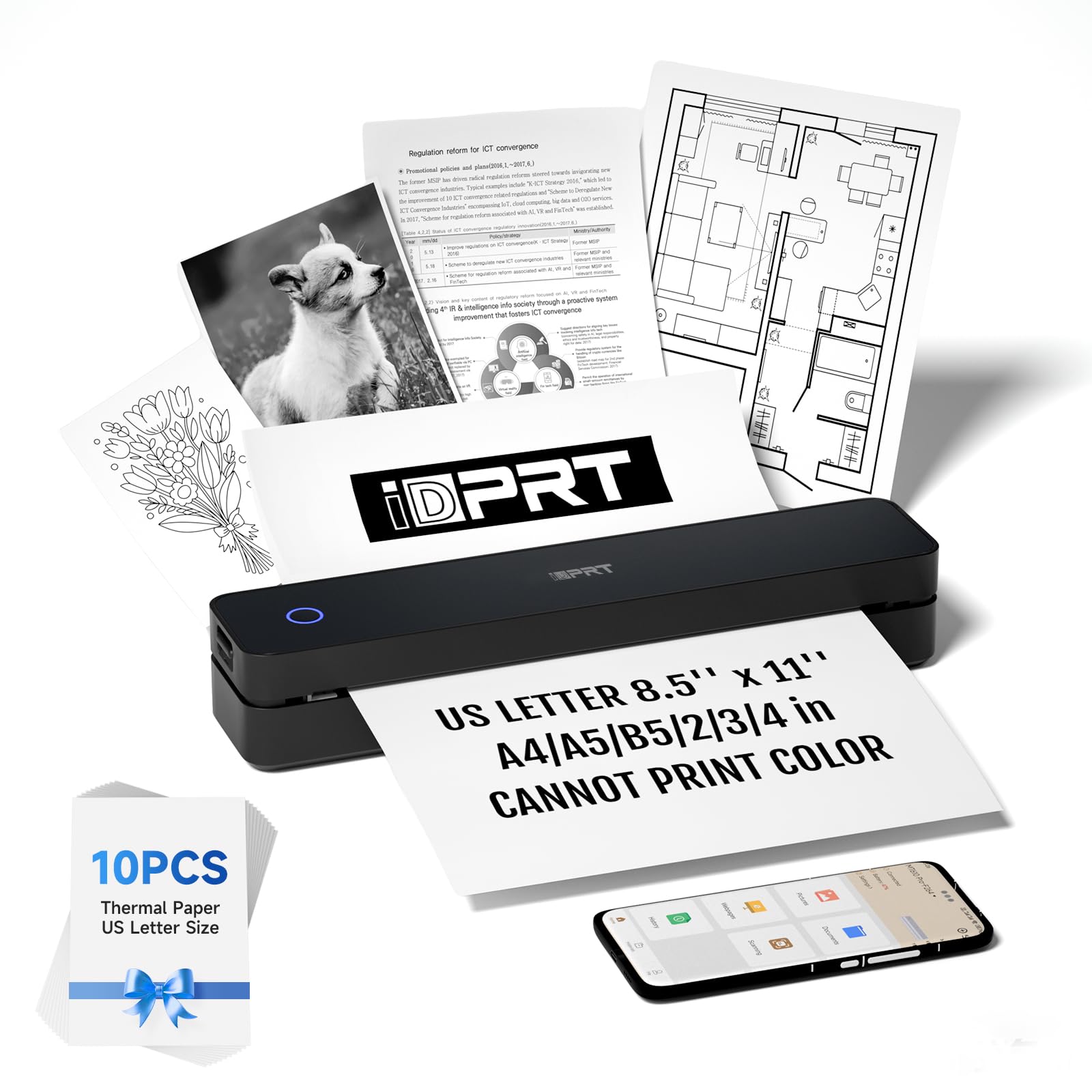
iDPRT Portable Printer Wireless for Travel - Bluetooth Mobile Printer Support for 8.5"x11" US Letter, Inkless Compatible with iOS, Android, Laptop for Office, Car and Home (pro, Black)
In stock
Price on Amazon
Check today's price on Amazon
No score yet
We've only just started checking this product's price. Its Deal Score appears after a few more checks.
We may earn a commission if you buy. It never changes the price you pay.
Product overview
BrandiDPRT
CategoryPortable Thermal Printers
Key features
- Inkless Portable Printer - Bluetooth printers use thermal technology - no ink, toner or ribbons are required. This not only eliminates the hassle of ink clogs and cleaning, but also makes it an eco-friendly choice. Bluetooth printers offer an affordable solution for everyday printing needs, allowing you to easily print documents such as recipes, forms, letters, homework, study materials and travel documents by simply selecting the document you want to print directly on your mobile phone.
- Universal Compatibility & Wide Printing Range - The thermal inkless printer is compatible with a wide range of OS, including iOS (for iPhone & iPad), Android, Windows, and Mac, OS.It supports a variety of thermal paper sizes, such as 8.5"x11" US letter and legal paper, A4, A5, and 4" - wide thermal paper. (Note: Portable printer is a thermal printer and only supports thermal paper, not support regular copy paper.)
- Easy To Use - The bluetooth thermal printer enables Bluetooth wireless printing via the mobile phone app "HerePrint". The printer can also connect to laptops and desktops via USB. When using a computer, just connect the printer via USB and then install the driver. (Note: Download the driver from iDPRT website on your computers.)
- How to Print on Phones - (1) Download the "HerePrint" app from the App Store or Google Play. (2) Turn on the inkless portable printer. (3) Enable Bluetooth on your phone and click the ‘+’ button in the app to complete the printer connection. Then select the file type to start printing.
Show all 6 featuresShow fewer
- How to Print on Computers - (1) Power on the printer. (2) Connect the printer to your computer via USB. (3) Download the corresponding driver for the iDPRT MT610 Pro. (4) Select "iDPRT MT610 Pro" as your printer to start printing. Tips: Before downloading the driver, power on the printer and connect the printer to your computer via USB.
- What You Get: iDPRT MT610 Pro Wireless Printer, USB Cable, Product Manual, Free 10 Sheets Thermal Paper. Please refer to the product manual before using our printer.
Specifications
| Brand | iDPRT |
|---|---|
| Connectivity Technology | Bluetooth |
| Printing Technology | Thermal |
| Special Feature | Portable |
| Color | Black |
| Model Name | MT610 |
| Printer Output | Monochrome |
| Maximum Print Speed (Color) | 35 ppm |
| Max Printspeed Monochrome | 35 ppm |
| Item Weight | 0.74 Kilograms |
| Printer Type | Thermal |
| Other Special Features of the Product | Portable |