Find any Amazon.com product's deals and best prices with our free Amazon deal finder and price tracker. Simply paste the product link (URL) or search by name in the box above. You'll get full product information, Deal Score, and all current deals. Shop smarter with the best Amazon deals finder in the USA.
x
Sorry, Something went wrong!
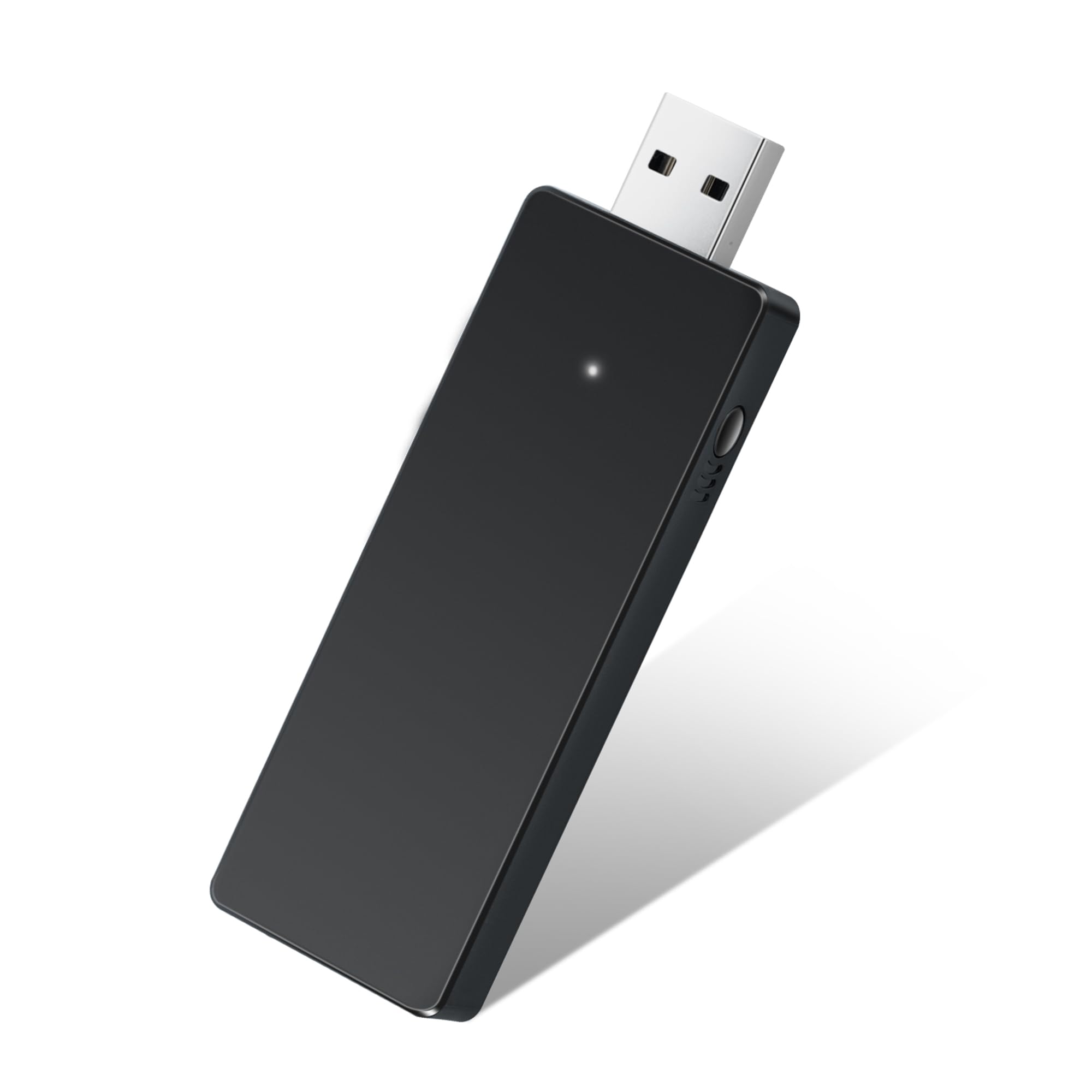
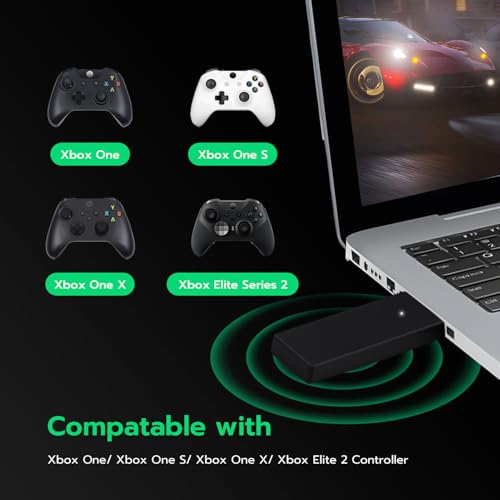
Mcbazel Wireless Adapter for Xbox Controller, Wireless Gaming Adapter for Xbox One, One X/S, Elite 2, Series X/S, Xbox Controller, Compatible with PC, Windows 11/10/8/8.1/7 (USB 2.0/3.0)
✅ In stock
F
Grade
Analysis Confidence
95%
⚠️ Price may have changed. Last updated 24+ hours ago — confirm on Amazon.
Check Deal at Amazon
Price verified Sep 27, 2026 9:08 PM · Prices & availability subject to change
Is This a Good Price on Amazon?
💤 Not a Deal- 💤Verdict: Not a Deal. Price is at or above historical norms. Best to wait for a sale.
- 💰The current price is slightly above the going rate for this product — worth watching for a drop.
- 📉It has been quite a while since a more competitive price was available, lending today's offer solid comparative value.
- ➡️Pricing has held fairly steady, with no strong push in either direction.
How We Scored This Deal
Price Competitiveness
0/28
Recent Value
0/22
Market Standing
1.21/20
Deal Strength
0/20
Momentum
4/10
📝 Product Overview
🏪 Sold by
Shop4fun
📦 Fulfillment
Fulfilled by Amazon
🚚 Shipping
Free Shipping
Product Details
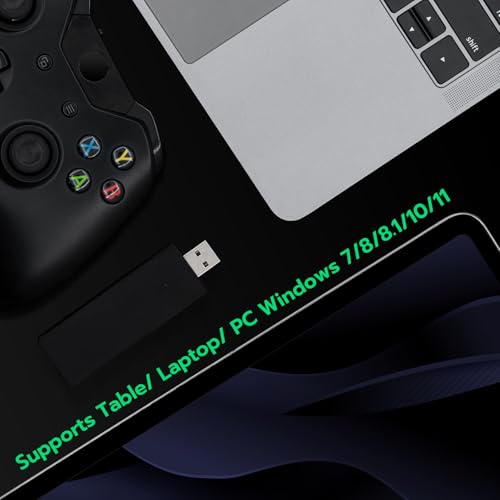
✓Wide Compatibility: This Xbox Wireless Adapter works with Xbox Series X/S/ Xbox One/ Xbox One S/ Xbox One X/ Xbox Elite/ Xbox Elite 2/ Xbox Series S/X controllers. Perfect for playing your favorite games on Windows PCs and laptops with ease, supporting Windows 11, 10, 8.1, 8, and 7 (USB 2.0/3.0). (Xbox 360 controllers not supported).NOT for Linux/PS/Switch/Xbox 360 controllers
✓Easy Set up: Plug-and-play functionality makes setup quick and easy. Simply plug the adapter into your PC's USB port, press the receive button, and connect your Xbox controller. The LED light on your controller will indicate a successful connection.Supports up to 4 controllers simultaneously. Tip: Pair controllers one by one (not simultaneously) for best stability.
✓For best performance, plug into the rear USB ports on your PC motherboard. Avoid front panel ports, USB hubs, or extension cables.Troubleshooting: If LED does not light up, try a different rear USB port. If PC does not recognize the device, check if the port supplies enough power (minimum 500mA). Do NOT use USB hubs.If disconnection occurs, check Windows Power Management and disable USB Selective Suspend.
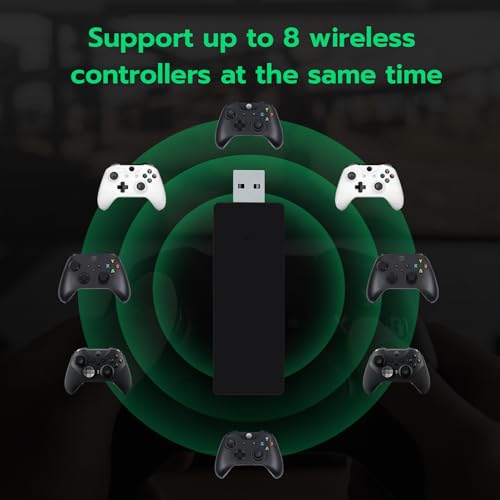
✓Supports Multiple Controllers: Enjoy multiplayer gaming with friends! This adapter supports up to 8 wireless controllers and 4 headsets or 2 stereo headsets simultaneously (NOTE: Only compatible with wired Microsoft/Xbox headsets, not other brands or Third Party made headsets.), making it perfect for gaming sessions with multiple players.
✓Reliable and Stable Performance: Enjoy smooth and uninterrupted gaming. The Xbox Wireless Adapter offers high-performance connectivity with minimal lag, ensuring a seamless gaming experience on your PC or laptop.
✓Note: This device works on most computers as plug and play without the need for additional software or drivers. However, in rare cases where certain systems do not automatically detect the device, manual driver installation may be required.
⚙️ Specifications
Compatible Devices
Headphone, Laptop, PC, Tablet
Specific Uses For Product
PC
Connector Type
Micro USB
Color
black
Item dimensions L x W x H
4.72 x 2.48 x 0.87 inches
Product Dimensions
4.72 x 2.48 x 0.87 inches
Item Weight
30 g
ASIN
B08Y1FGT6D
Item model number
thi-pc-010085
Customer Reviews
4.0 4.0 out of 5 stars (983) var dpAcrHasRegisteredArcLinkClickAction; P.when('A', 'ready').execute(function(A) { if (dpAcrHasRegisteredArcLinkClickAction !== true) { dpAcrHasRegisteredArcLinkClickAction = true; A.declarative( 'acrLink-click-metrics', 'click', { "allowLinkDefault": true }, function (event) { if (window.ue) { ue.count("acrLinkClickCount", (ue.count("acrLinkClickCount") || 0) + 1); } } ); } }); P.when('A', 'cf').execute(function(A) { A.declarative('acrStarsLink-click-metrics', 'click', { "allowLinkDefault" : true }, function(event){ if(window.ue) { ue.count("acrStarsLinkWithPopoverClickCount", (ue.count("acrStarsLinkWithPopoverClickCount") || 0) + 1); } }); }); 4.0 out of 5 stars
Best Sellers Rank
#4,490 in Video Games (See Top 100 in Video Games) #25 in Xbox One Adapters