Hazieoo Remote Controls
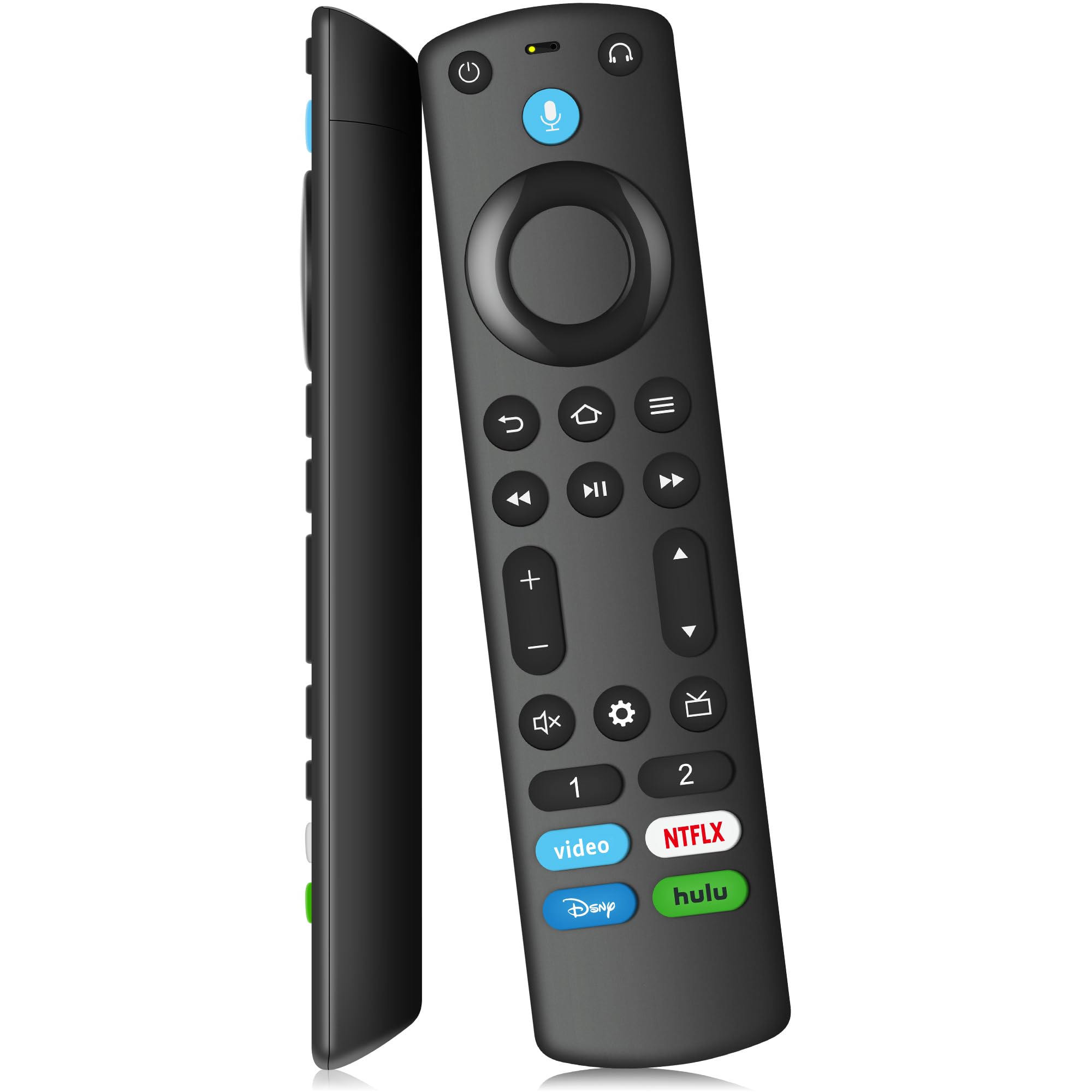
Replacement Voice Remote Control Fit for Fireseries TV Cube, TV Stick (Lite, 4K Max, 4K, HD), Smart TV (3rd Gen), for Omni Series, Insignia/Toshiba/Pioneer/Hisense Smart TVs
In stock
Price on Amazon
Check today's price on Amazon
No score yet
We've only just started checking this product's price. Its Deal Score appears after a few more checks.
We may earn a commission if you buy. It never changes the price you pay.
Product overview
BrandHazieoo
CategoryRemote Controls
Key features
- Compatible With: Remote replacement compatible with Smart TV Stick(2nd/3rd Gen), Smart TV Stick Lite, Smart TV Stick 4K Max(1st/2nd Gen), Smart TV Stick 4K(1st/2nd Gen), TV Cube(1st/2nd/3rd Gen), Smart TV(3rd Gen), for TV Stick HD, Omni QLED Series, Omni Series, 4-Series, Insignia, Toshiba, Pioneer Smart TV
- NOT APPLICABLE: This voice remote control can not compatible with Smart TVs (1st and 2nd Gen), Smart TVs Stick (1st Gen), or Smart TVs Edition smart TVs. Please make sure your device model fit for our remote before place an order
- Customizable Buttons: Featuring 4 shortcut buttons and 2 customizable buttons, press and hold [1] or [2] to program the customised buttons, you can easily program access to your favorite channels, apps, or any commands. With wireless headphone function, a new shortcut to the on-screen BT menu that lets you pair your wireless headphones fast
- Voice Function: You can easily find your favourite content with a simply asking, press and hold the voice remote's microphone button, then speak to search for movies, music, or apps, your tv remote replacement responds instantly. If you have any questions, please feel to contact us
Show all 5 featuresShow fewer
- Easy to Pairing: You need to pair it firstly before you use, Just press and hold the Home button for 10-15 seconds until the LED flashes rapidly, waiting about 30-60 seconds (Entering Pairing mode, LED Flash), then remote will automatically Pair with your device
Specifications
| Brand | Hazieoo |
|---|---|
| Special Feature | Voice Search |
| Color | black |
| Max Number of Supported Devices | 1 |
| Compatible Devices | Television |
| Package Dimensions | 0.04 x 0.04 x 0.04 inches |
| Item Weight | 0.004 ounces |
| ASIN | B0GDZYSTVS |
| Item model number | B0GDZYSTVS |
| Date First Available | December 4, 2024 |
| Manufacturer | Hazieoo |
Other versions of this product
Other sizes, colours, models and bundles, with today's price.
 Voice FireStick Replacement Remote Compatible with Fire Smart TV Stick (Lite/4K Max/4K), TV Cube (1st/2nd/3rd Gen), Smart TV(3rd Gen), and for Insignia-Toshiba-Pioneer Smart TVs
$8.90
 Voice Replacement Remote for Stick, TV Cube, AMZ Series TVs-Silver
$12.99
 Replacement FireStick Remote for Insignia Smart TVs Stick 4K Max/4K (1st/2nd Gen), Remote for Stick (2nd/3rd Gen,Lite,HD), TV Cube, Omni Series Smart TVs
$8.99