BGGJJ Remote Controls
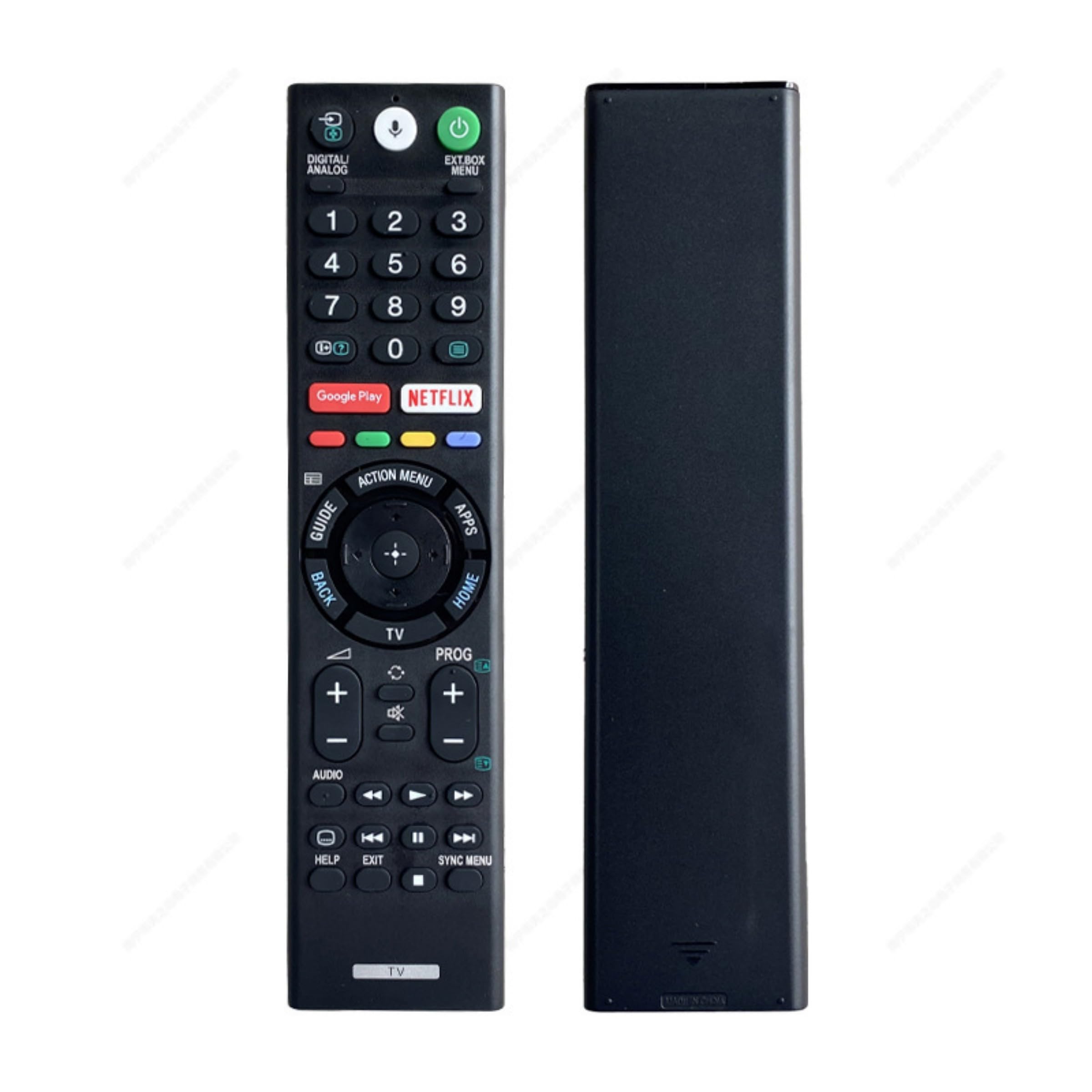
RMF-TX310P Voice Replacement Remote Control,RMF-TX310U Upgraded Version, Suitable for Sony 4K Smart Bravia TV XBR-43X800G XBR-49X800G XBR-49X900F XBR-55X800G XBR-65X900F XBR-65X800G XBR-75X900F
In stock
Price on Amazon
Check today's price on Amazon
No score yet
We've only just started checking this product's price. Its Deal Score appears after a few more checks.
We may earn a commission if you buy. It never changes the price you pay.
Product overview
BrandBGGJJ
CategoryRemote Controls
Key features
- Compatible with SONY 4K Smart TV 】RMF-TX310P is an upgraded version of RMF-TX310U, replacing the voice remote control Compatible with XBR-43X800G, XBR-49X800G, XBR-55X800G, XBR-65X800G, XBR-75X800G, XBR-85X8000G, XBR-49X900F, XBR-55X900F, and XBR-65X900F XBR-75X900F XBR-85X900F XBR-49X850F XBR-55X850F XBR-65X850F XBR-75X850F XBR-85X850F XBR-85X850F XBR-85X855F XBR-60X830F XBR-70X830F XBR-55A8G XBR-65A8G
- 【 TV Pairing 】 Pair with your TV before use. The pairing method is as follows: Click on the home page Settings, select the Remote Control and Accessories, and then choose to connect the new remote control. 2. Press and hold the VOL- key and the Google Assistant key for 3 seconds to start pairing. 3. Press the Confirm button to complete the pairing. Note: The voice microphone function can only be used normally after successful pairing
- 【 Voice Assistant Shortcuts 】 Easily control your Google/Bravia TV through dedicated shortcuts.
- 【 Shortcut Keys 】 Just click the remote shortcut key dedicated to Netflix, and Google Play can directly access your favorite streaming platform.
Show all 5 featuresShow fewer
- 【 Instructions for Use 】 The voice remote control requires 2 1.5V AAA batteries, but the remote control does not include them. You need to purchase them yourself. After replacing the battery, it can be used normally after a simple pairing.
Specifications
| Brand | BGGJJ |
|---|---|
| Special Feature | Voice Search |
| Color | Black |
| Max Number of Supported Devices | 4 |
| Compatible Devices | Television |
| Additional Features | Voice Search |
| Maximum Number of Supported Devices | 4 |
| Connectivity Technology | Infrared |
| Button Quantity | 15 |
| Controller Type | Voice Remote |
| Maximum Range | 49.2 Feet |
| Number of Batteries | 2 AAA batteries required. |