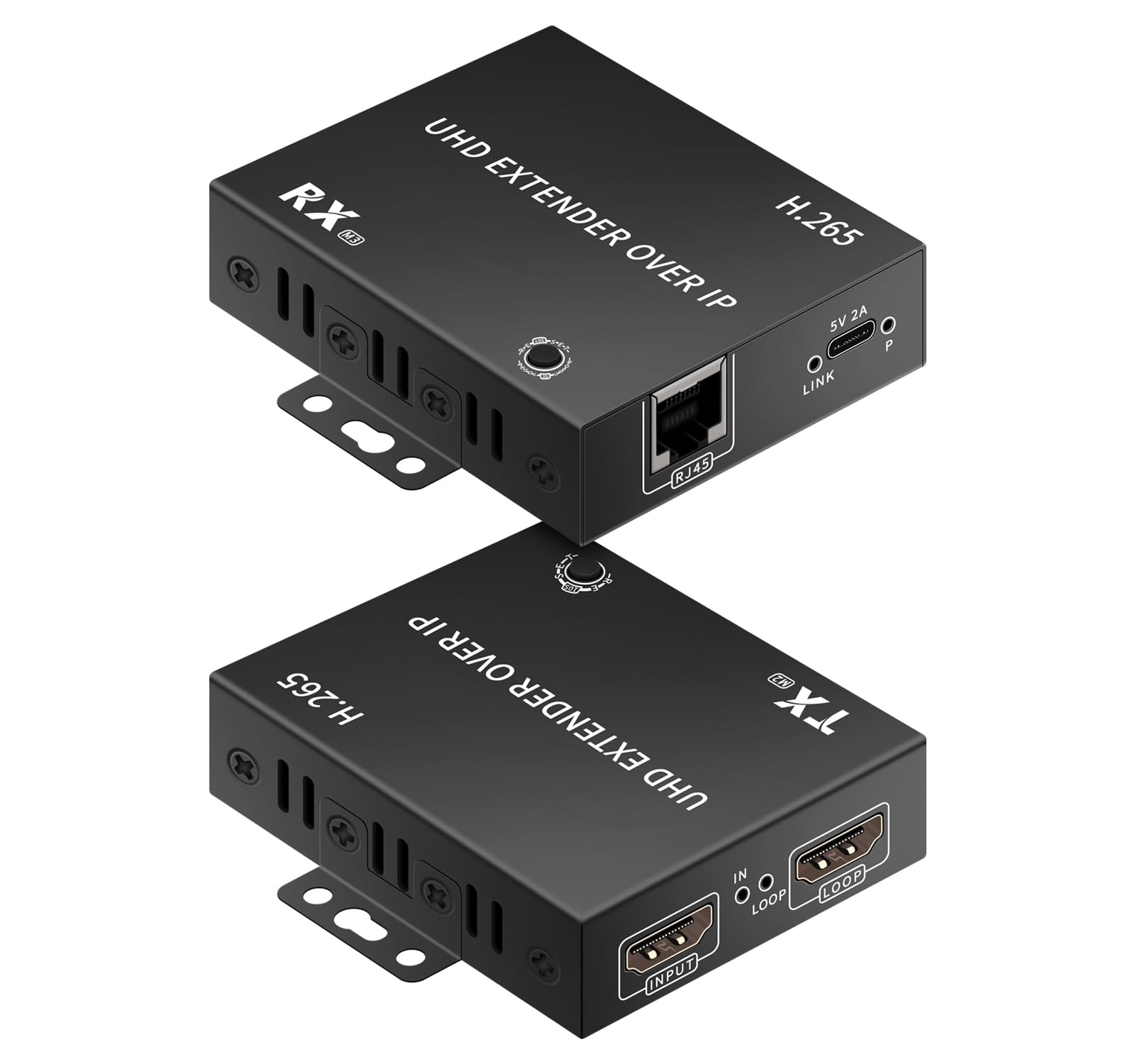
newiedkvm Repeaters
4K HDMI over Ethernet Extender TCP/IP 492ft
In stock Sold by USB KVM SWITCH Fulfilled by Amazon Free shipping
Last price we saw on Amazon
$122.55
0Deal Score 0 of 100
Not much of a deal
Deal Score 0 of 100: today's price for this product isn't much of a deal.
How Deal Score worksThe price may have changed. We last checked it over 24 hours ago, so confirm it on Amazon.
Price checked Oct 11, 2026, 8:26 AM ET. Prices and availability can change.
We may earn a commission if you buy. It never changes the price you pay.
Product overview
Sold byUSB KVM SWITCH
FulfilmentFulfilled by Amazon
ShippingFree shipping
Brandnewiedkvm
CategoryRepeaters
Key features
- WEB Backend Settings and Ethernet Transmission: The H.265 4K HDMI Network Extender features a TCP/IP IPV4-based WEB backend. Each device has a fixed IP address with default settings: TX: 192.168.1.166 / RX: 192.168.1.167. Access the web interface via the IP address to modify settings such as IP address, configure TX LOOP resolution, or adjust HDMI/DVI signal formats. The 4K HDMI Network Extender can operate alongside other network devices within the same local area network
- Fixed IP and Ultra-Low Bandwidth: Each H.265 4K HDMI Network Extender device features a fixed IP address, which can be modified via the web interface. Leveraging advanced H.265 encoding technology, the 4K HDMI Network Extender requires only approximately 10M of network bandwidth for LAN transmission, making it compatible with 100M/1000M/10G network environments. It also prevents network storms
- LAN Transmission Precautions: When transmitting H.265 4K HDMI network extenders and other network devices over the same LAN, ensure that no two devices within the LAN share the same IP address. Verify the IP addresses of all network devices. The IP address of the H.265 4K HDMI network extender can be flexibly modified. Note: The transmitter and receiver of the H.265 4K HDMI network extender must operate within the same subnet; cross-subnet operation is not supported
- Multiple Transmission Methods: A. Use a single dedicated Ethernet cable for extension, up to 492FT; B. Connect to a local area network (LAN) for transmission; transmitter and receiver must operate within the same subnet; C. One transmitter connects to multiple receivers via a network switch for transmission; D. Connect to a network fiber optic transceiver for transmission via fiber optic cable; E. Connect to a wireless bridge for wireless transmission
Show all 5 featuresShow fewer
- RESET Resolution Adjustment: Press and hold the RESET button on the receiver for 2 seconds to cycle through the three resolutions displayed: 4K@30Hz/1080P@60Hz/720P@60Hz, adapting to different monitors. When one transmitter connects to multiple receivers, each receiver can display a different resolution through adjustment. Note: Pressing and holding for 10 seconds or longer will unpair the wireless transmitter and receiver. Please exercise caution when performing this operation
Specifications
| Brand | newiedkvm |
|---|---|
| Hardware Interface | Ethernet |
| Color | 002-HD Extender |
| Compatible Devices | Display, Speaker |
| Data Link Protocol | Ethernet |
| Data Transfer Rate | 10 megabits_per_second |
| Item Weight | 14.88 ounces |
| Number of Packs | 1 |
| Unit Count | 1 Count |
| Number of Items | 1 |
| Manufacturer | newiedkvm |
| Model Number | M2M3 |
Other versions of this product
Other sizes, colours, models and bundles, with today's price.

