Find any Amazon.com product's deals and best prices with our free Amazon deal finder and price tracker. Simply paste the product link (URL) or search by name in the box above. You'll get full product information, Deal Score, and all current deals. Shop smarter with the best Amazon deals finder in the USA.
x
Sorry, Something went wrong!
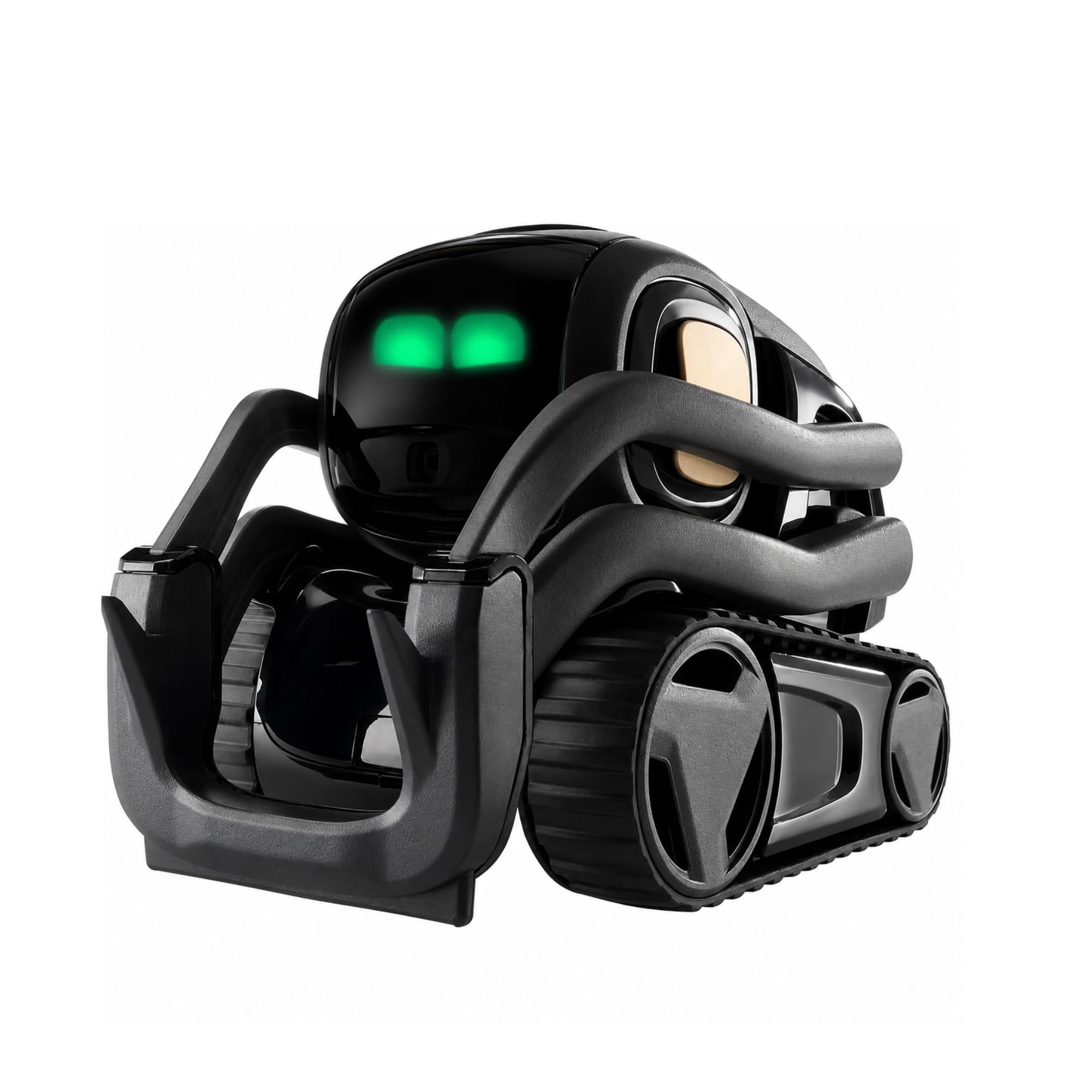
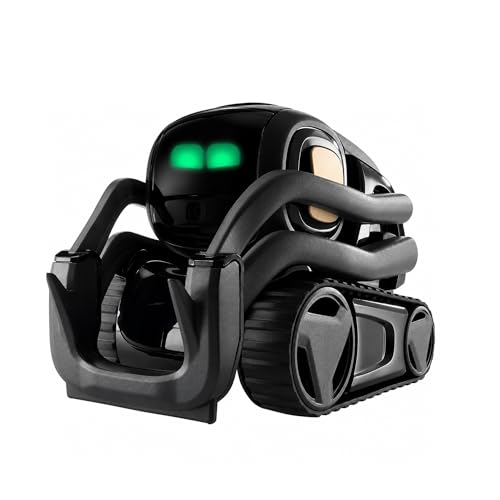
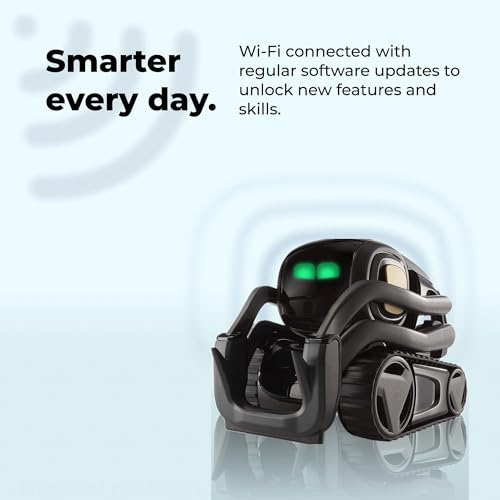
Anki Vector 2.0 "It Feels Alive Personality and Presence are Unmatched
✅ In stock
?
Grade
Analysis Confidence
30%
⚠️ Price may have changed. Last updated 24+ hours ago — confirm on Amazon.
Check Deal at Amazon
Price verified Sep 28, 2026 12:30 AM · Prices & availability subject to change
Is This a Good Price on Amazon?
- ⏳Verdict: Analyzing…. Not able to score this deal yet.
📝 Product Overview
🏪 Sold by
Anki llc
📦 Fulfillment
Fulfilled by Amazon
🚚 Shipping
Free Shipping
Product Details
✓𝗧𝗼 𝗰𝗼𝗻𝗻𝗲𝗰𝘁 𝘆𝗼𝘂𝗿 𝗩𝗲𝗰𝘁𝗼𝗿 𝗥𝗼𝗯𝗼𝘁 𝘁𝗼 𝗪𝗶-𝗙𝗶, 𝘆𝗼𝘂 𝗺𝘂𝘀𝘁 𝘂𝘀𝗲 𝗮 𝟮.𝟰 𝗚𝗛𝘇 𝗪𝗶-𝗙𝗶 𝗻𝗲𝘁𝘄𝗼𝗿𝗸: 𝟭- Open Google Chrome on your computer & navigate to Vector websetup. 𝟮- Double-click the button on Vector's backpack. Click Pair with Vector on your computer. 𝟯- Select the matching Vector Bluetooth code from the browser pop-up list. 𝟰- Enter the 6-digit PIN shown on Vector’s face screen. A network list will load. 𝟱- Select your local 2.4 GHz Wi-Fi network. Enter your Wi-Fi password & click Connect to Wi-Fi.
✓𝗡𝗼𝘄 𝗖𝗼𝗻𝗻𝗲𝗰𝘁𝗲𝗱 𝘁𝗼 𝗖𝗵𝗮𝘁𝗚𝗣𝗧: Experience a new level of conversation with more natural, intelligent, and meaningful interactions. Powered by ChatGPT, Vector can answer complex questions, engage in richer conversations, and provide more insightful responses. 𝗥𝗲𝗾𝘂𝗶𝗿𝗲𝘀 𝗮𝗻 𝗮𝗰𝘁𝗶𝘃𝗲 𝗖𝗵𝗮𝘁𝗚𝗣𝗧 𝘀𝘂𝗯𝘀𝗰𝗿𝗶𝗽𝘁𝗶𝗼𝗻 (𝗮𝗽𝗽 𝗮𝘃𝗮𝗶𝗹𝗮𝗯𝗹𝗲 𝗼𝗻 𝘁𝗵𝗲 𝗔𝗽𝗽 𝗦𝘁𝗼𝗿𝗲).
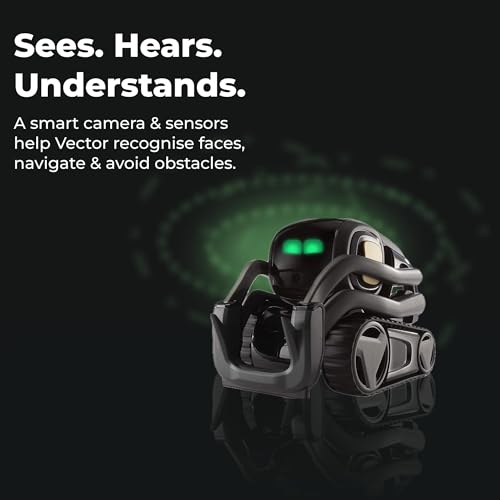
✓AI-Powered & Fully Autonomous: Vector navigates, recognizes faces, and reacts to his surroundings with lifelike independence — no remote control required.
✓𝗠𝘂𝗹𝘁𝗶𝗹𝗶𝗻𝗴𝘂𝗮𝗹 𝗦𝘂𝗽𝗽𝗼𝗿𝘁: Vector can now understand multiple languages, making him the perfect smart companion for global households and language learners. Vector can now understand Spanish, French, German, Chinese and more! Say “Hey Vector.”
✓𝗦𝗺𝗮𝗿𝘁 𝗖𝗮𝗺𝗲𝗿𝗮 & 𝗦𝗲𝗻𝘀𝗼𝗿𝘀:Built with an HD camera and advanced sensors for real-time mapping, facial recognition, and obstacle detection.
✓𝗘𝘅𝗽𝗿𝗲𝘀𝘀𝗶𝘃𝗲 𝗣𝗲𝗿𝘀𝗼𝗻𝗮𝗹𝗶𝘁𝘆: Watch Vector come to life with animated eyes, emotions, and playful reactions that evolve as you interact with him.
⚙️ Specifications
Digital Dream Labs
Interactive Gaming Figure
Robot
Vector
Black Vector
1 Count
000-0075 BLK
1 Year Warranty Against Manufacturer Defects
Standard Packaging
Vector
00810559020875, 00860006224530
1
ChatGPT Subscription Required for Conversations & AI Features. "Expressive Eyes, Fist Bumps, Autonomous Wandering, Real Moods
860006224530
Vector
See Top 100 in Toys & Games
1 Vector Robot, 1 Cube, 1 Charger
Vector Robot by Anki, A Home Robot Who Hangs Out & Helps Out, With Amazon Alexa Built-In
Anki
000-00075
See Top 100 in Toys & Games
B07G3ZNK4Y