Find any Amazon.com product's deals and best prices with our free Amazon deal finder and price tracker. Simply paste the product link (URL) or search by name in the box above. You'll get full product information, Deal Score, and all current deals. Shop smarter with the best Amazon deals finder in the USA.
x
Sorry, Something went wrong!
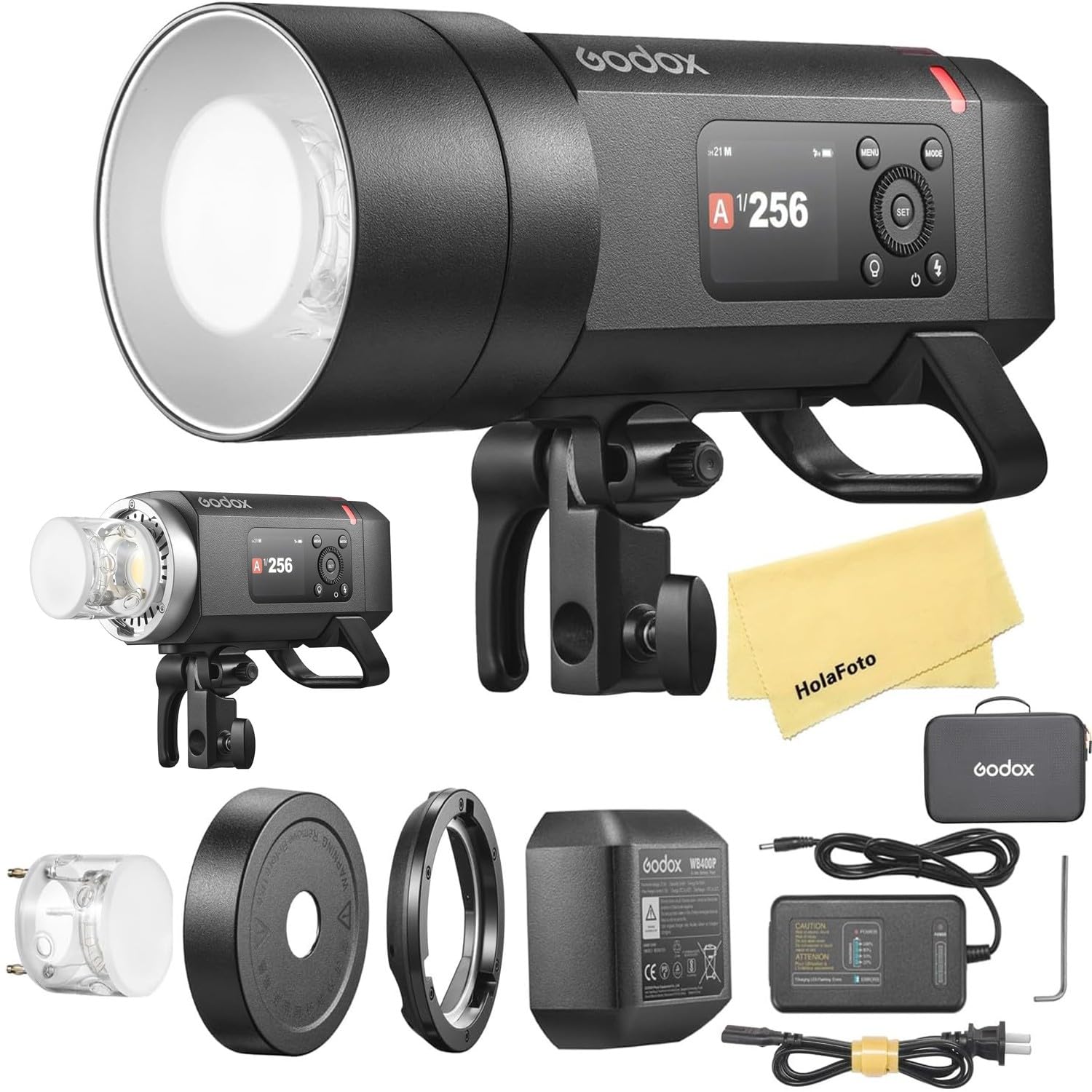
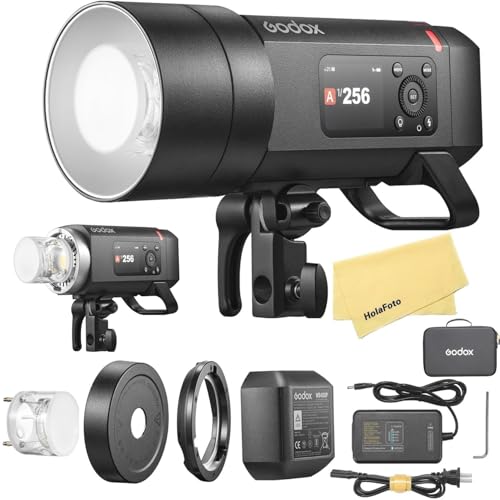

GODOX AD400 Pro II AD400Pro II AD400ProII 400Ws Outdoor Flash
✅ In stock
F
Grade
⚠️ Price may have changed. Last updated 24+ hours ago — confirm on Amazon.
Check Deal at Amazon
Price verified Oct 13, 2026 2:28 AM · Prices & availability subject to change
Is This a Good Price on Amazon?
💤 Not a Deal- 💤Verdict: Not a Deal. Price is at or above historical norms. Best to wait for a sale.
- ➡️Pricing has held fairly steady, with no strong push in either direction.
How We Scored This Deal
Price Competitiveness
0/28
Recent Value
0/22
Market Standing
0/20
Deal Strength
0/20
Momentum
0/10
📝 Product Overview
🏪 Sold by
HolaFoto
📦 Fulfillment
Fulfilled by Amazon
🚚 Shipping
Free Shipping
Product Details
✓400 Ws & 1/8000 s HSS:With 400 Ws of output and up to 460 full-power flashes per charge, the AD400ProII delivers sustained, studio-grade performance on location. High-speed sync up to 1/8000 s lets you freeze action and balance flash in bright conditions. Whether you’re shooting high-dynamic sports or ultra-short exposures in daylight, every detail comes through with stunning clarity
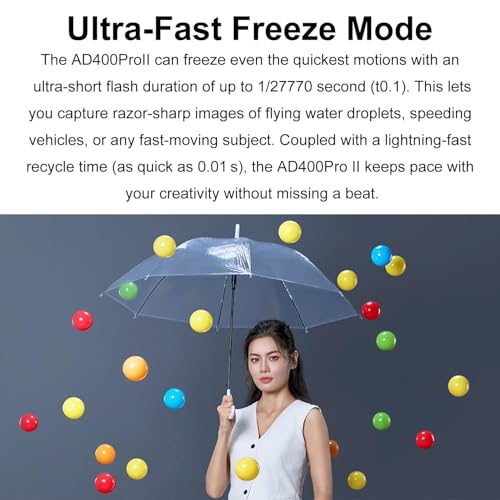
✓Ultra-Fast Freeze Mode:The AD400ProII can freeze even the quickest motions with an ultra-short flash duration of up to 1/27770 second (t0.1). This lets you capture razor-sharp images of flying water droplets, speeding vehicles, or any fast-moving subject. Coupled with a lightning-fast recycle time (as quick as 0.01 s), the AD400Pro II keeps pace with your creativity without missing a beat
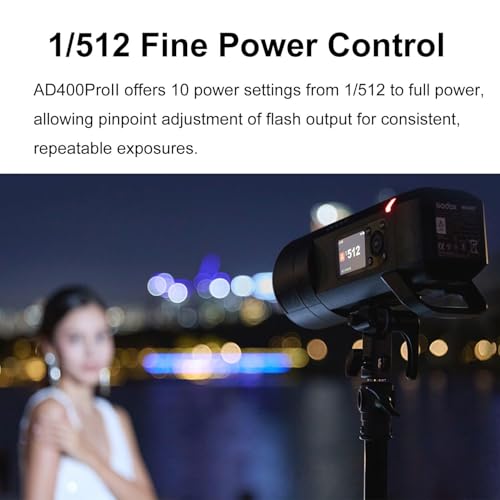
✓1/512 Fine Power Control:AD400ProII offers 10 power settings from 1/512 to full power, allowing pinpoint adjustment of flash output for consistent, repeatable exposures
✓30 W Bi-Color Modeling Lamp:The built-in 30 W bi-color LED offers Constant mode for manual brightness (10 %–100 %) and color temperature (2800 K–6000 K), plus Prop mode, where brightness follows flash output. Stable, flicker-free illumination also doubles as a continuous video light
✓2.4 GHz Wireless X System:Equipped with Godox’s 2.4 GHz Wireless X system. With the X3 trigger, one-tap sync connects all units instantly—no manual group or channel setup needed. It also works seamlessly with Xpro II, X2T, X1, and other X-series transmitters. For expanded triggering options, the USB-C port supports the optional FR433 433 MHz receiver
✓Group Indicator Lights:16 distinct lights assign each group a unique color, so you can identify and adjust any unit at a glance—even in low light or from a distance. Just select the group’s color on screen and tweak power or sync settings instantly, keeping your shoot running smoothly
✓Intuitive Color Display & Controls:Adjust settings instantly using the bright, full-color TFT display, where all key functions are laid out clearly and intuitively. A single press-and-hold of the modeling-lamp button toggles the lamp on or off, putting control at your fingertips and speeding up your workflow
⚙️ Specifications
Brand
GODOX
Compatible Mountings
Canon E-TTL II, Nikon i-TTL, Sony, Olympus, Panasonic, Fujifilm, Leica, Pentax Cameras
Camera Flash
External
Flash Sync Speed
1/8000 seconds
Included Components
1 * Flash Body, 1 * Flash Tube, 1 * Charger, 1 * Power Cord, 1 * Wrench, 1 * Carry Bag, 1 * Reflector, 1 * Protection Cover,1 * Bowens Mount Adapter, 1 * HolaFoto Cloth
Connectivity Technology
Wireless
Wireless Technology
RF
Mount Type
Hot Shoe Mount
Hardware Interface
Radio Frequency
Color
Black Yellow
Compatible Devices
Canon, Sony, Nikon, Fuji, Olympus, Panasonic, Leica, Pentax