Find any Amazon.com product's deals and best prices with our free Amazon deal finder and price tracker. Simply paste the product link (URL) or search by name in the box above. You'll get full product information, Deal Score, and all current deals. Shop smarter with the best Amazon deals finder in the USA.
x
Sorry, Something went wrong!
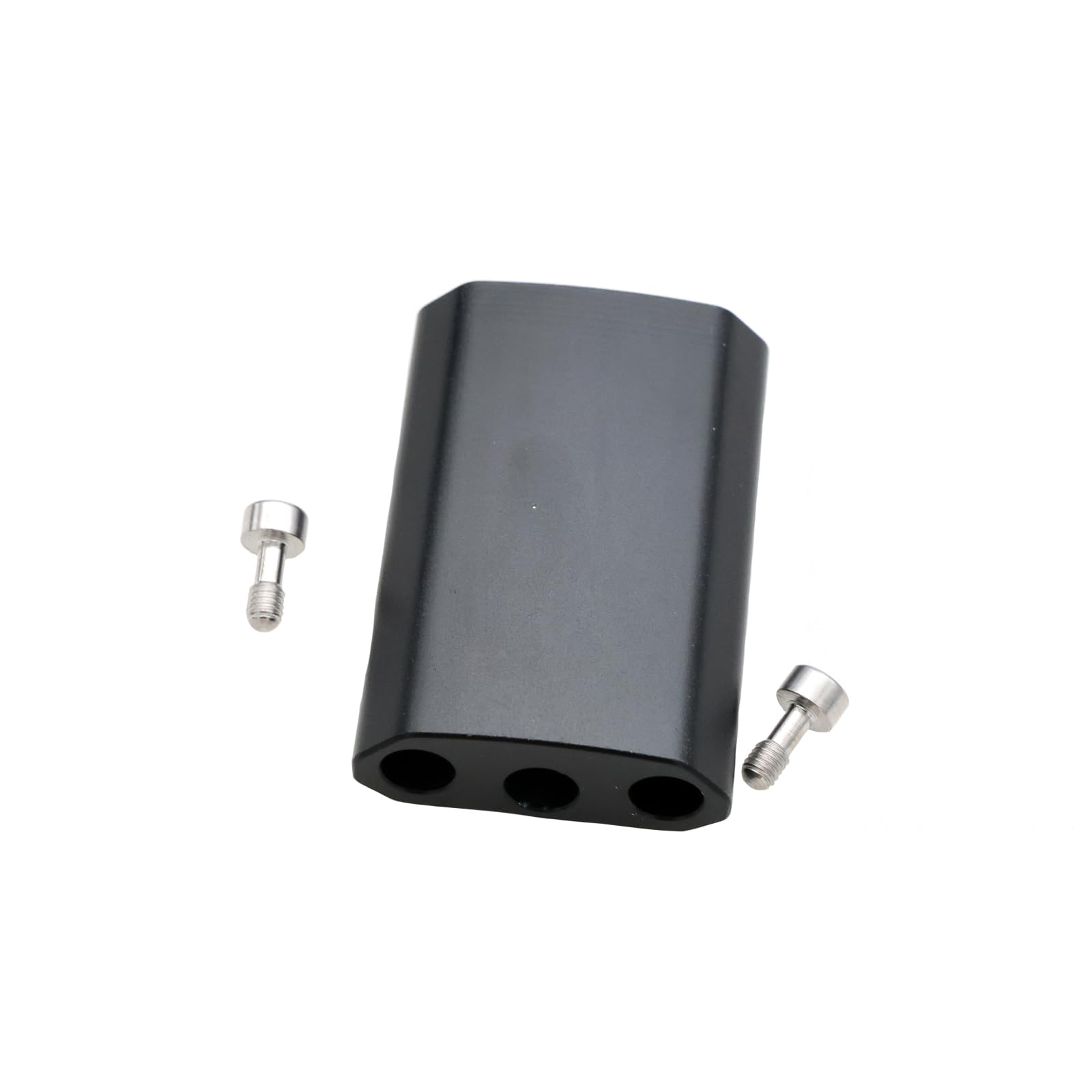
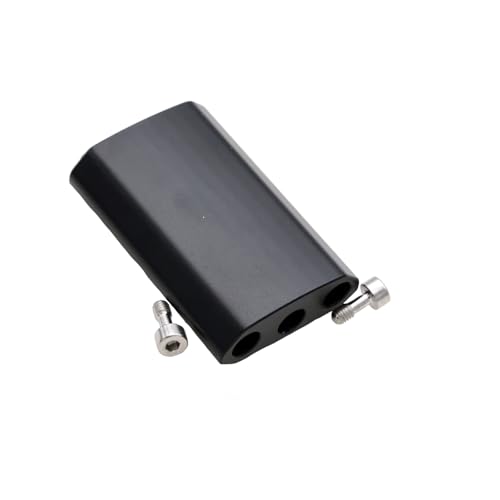
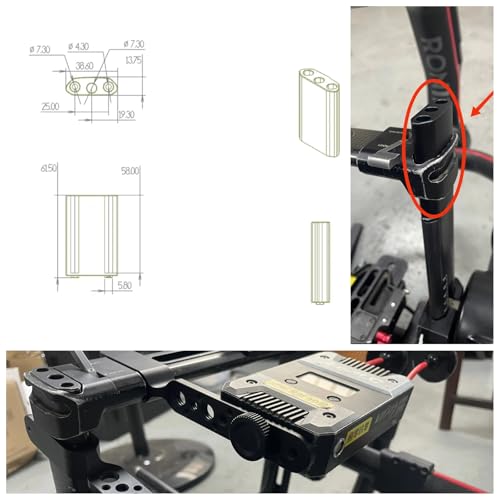

Height Increasing Column Expanding Creative Horizons Flexible Booster Column with Image Transmission Bracket for DJI Ronin 2 Camera
✅ In stock
⭐ Lowest price we've tracked
B
Grade
Analysis Confidence
73%
⚠️ Price may have changed. Last updated 24+ hours ago — confirm on Amazon.
Check Deal at Amazon
Price verified Sep 3, 2026 12:38 AM · Prices & availability subject to change
Is This a Good Price on Amazon?
👍 Good Deal- 👍Verdict: Good Deal. Solid value. Price is noticeably below the recent average.
- 💰At 15% off its standard going rate, this offer delivers clear value for the money.
- 🏷️The retail sticker price has been slashed by 92% — a steep markdown from the official listing.
- 📉Our analysis places this at the most competitive price point we have ever tracked for this product — an exceptional moment to buy.
- ➡️Pricing has held fairly steady, with no strong push in either direction.
How We Scored This Deal
Price Competitiveness
16.61/28
Recent Value
13.75/22
Market Standing
8.33/20
Deal Strength
20/20
Momentum
4/10
📝 Product Overview
🏪 Sold by
ZBLZGP
📦 Fulfillment
Fulfilled by Amazon
🚚 Shipping
Free Shipping
Product Details
✓Ronin 2 supports a variety of working modes, such as portable hanging, up and down inversion, and handheld mode. The addition of the heightening column may make these working modes more flexible and versatile.
✓It enables the photographer to raise the height of the camera without changing the shooting position, thus capturing a wider perspective or a more unique image composition.
✓The use of the Height Increasing Column significantly increases the shooting angle for DJI Ronin 2 to meet different shooting needs, allowing the photographer to adjust the lens position more flexibly during the shooting process to capture more diverse and creative images.
✓Determine the Height Increasing Column of the Height Increasing Column based on the design for DJI Ronin 2 stabilizer and your shooting needs. Generally, the Height Increasing Column is mounted on the bottom or side of the stabilizer to raise the height of the camera or change the shooting angle.
✓The Height Increasing Column must be mounted securely and reliably to prevent it from shaking or falling off during the shooting process. It is also important to note that when using the Height Increasing Column, it is important to follow safety protocols and avoid unstable or dangerous environments. Also, take care to protect the camera and stabilizer from damage or impact.
⚙️ Specifications
Brand
ZBLZGP
Compatible Devices
DJI
Item Weight
0.2 kg
Built-In Media
DJI Ronin 2 Accessories
Manufacturer
ZBLZGP
Warranty Description
6 mouths
Best Sellers Rank
Camera & Photo Cables & Cords
ASIN
B0DS24DHW3
Model Number
DJI Ronin 2 Accessories
Manufacturer Part Number
DJI Ronin 2 Accessories
Number of Items
1


