Work-Life Balance Corporation Mice
Trackpad Mouse Jiggler Device, Silent, Cordless Undetectable Mouse Mover
In stock Sold by Work-Life Balance Corporation Fulfilled by Amazon Free shipping
Last price we saw on Amazon
$29.99
No score yet
We've only just started checking this product's price. Its Deal Score appears after a few more checks.
The price may have changed. We last checked it over 24 hours ago, so confirm it on Amazon.
Price checked Nov 11, 2026, 11:14 PM ET. Prices and availability can change.
We may earn a commission if you buy. It never changes the price you pay.
Product overview
Sold byWork-Life Balance Corporation
FulfilmentFulfilled by Amazon
ShippingFree shipping
BrandWork-Life Balance Corporation
CategoryMice
Key features
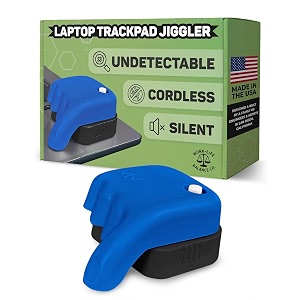
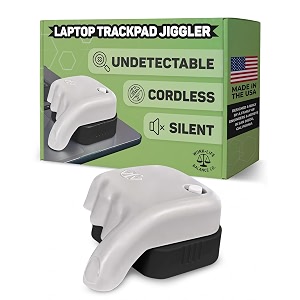
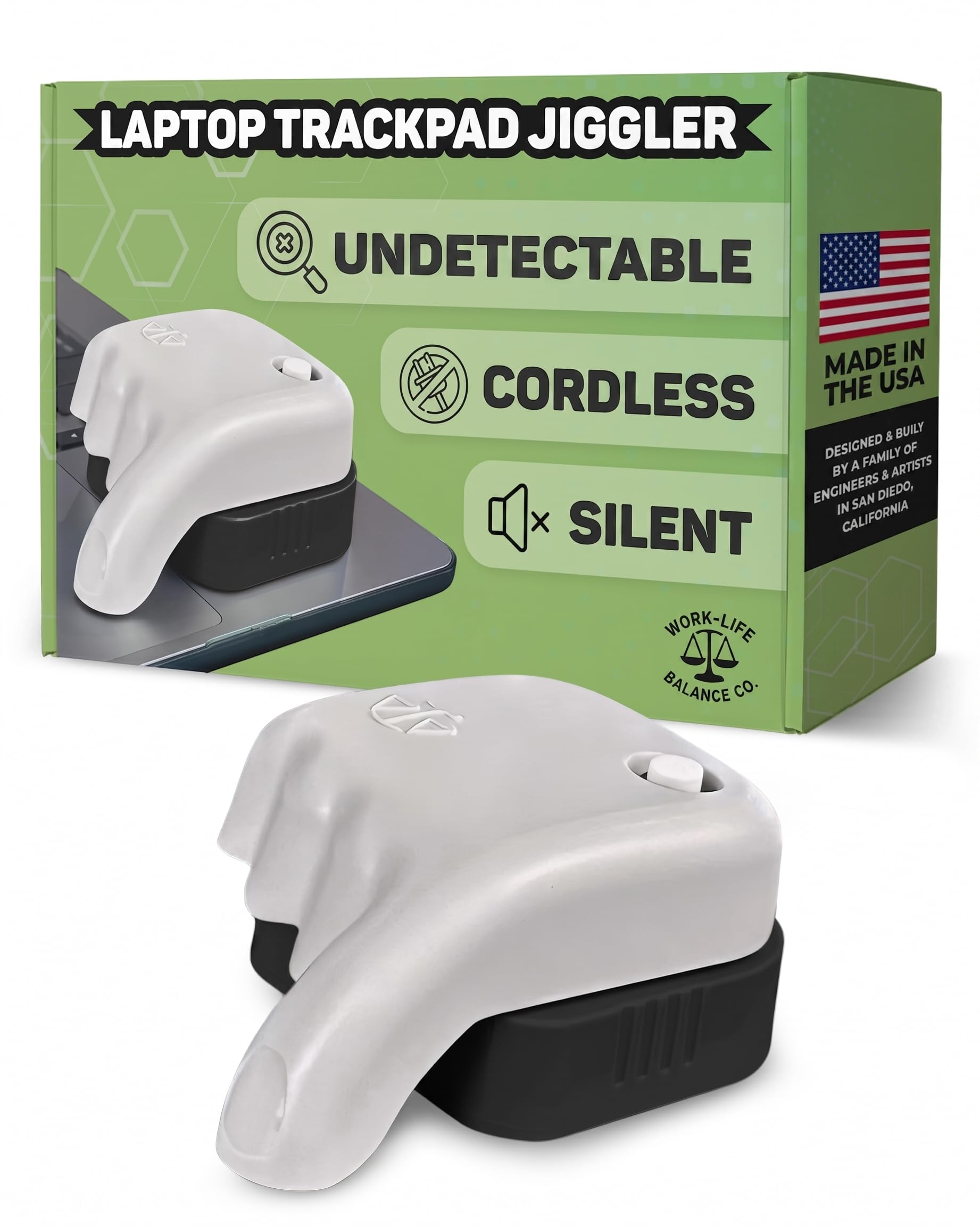
- MAGIC PET TOUCHPAD JIGGLER – The randomized mouse trackpad jiggler keeps your laptop touchpad active without needing a mouse. It’s good for keeping your screen awake during remote work or WFH without interruption.
- UNDETECABLE MECHANICAL MOVING DEVICE – This undetectable mechanical moving device simulates realistic fingertip movement across the touchpad. No USB, no Bluetooth, and no software—completely invisible to IT scans.
- CORDLESS DESIGN – Enjoy a clutter-free workspace with the cordless jiggler mouse mover. Magic Hand is easily portable and doesn’t require any cables or connections, making it good for remote work or office use on the go.
- SILENT OPERATION – The silent operation of this trackpad tech ensures your work environment remains quiet while keeping your computer active. The low RPM DC motor operates without disturbing your workflow.
Show all 6 featuresShow fewer
- LONG-LASTING BATTERY – With an AA battery lasting up to 6 months, the automatic wiggler operates efficiently for 2 hours/day on average, ensuring power savings for remote work and Laptop users. Battery included. 1-year limited waranty, contact us if you have any problem.
- TOUCHPAD SETTINGS TIP — For best results, maximize your touchpad sensitivity (Settings > Bluetooth & devices > Touchpad > Most sensitive) and disable palm rejection features such as PalmCheck, SmartSense, or Accidental Touch Filtering. Some Windows Precision Touchpads have built-in software that may filter the jiggler's gentle mechanical input. See our troubleshooting image in the product photos for a step-by-step guide to optimize your settings for reliable, uninterrupted cursor movement.
Specifications
| Category Slug | electronics |
|---|---|
| Stock State | Buyable |
| Brand | Work-Life Balance Corporation |
| Color | GREY |
| Connectivity Technology | Cordless |
| Special Feature | Cordless |
| Movement Detection Technology | Touchpad |
| Additional Features | Cordless |
| Movement Detection | Touchpad |
| Button Quantity | 1 |
| Hand Orientation | Ambidextrous |
| Compatible Devices | Personal Computer |
Other versions of this product
Other sizes, colours, models and bundles, with today's price.